Page 1 of 1
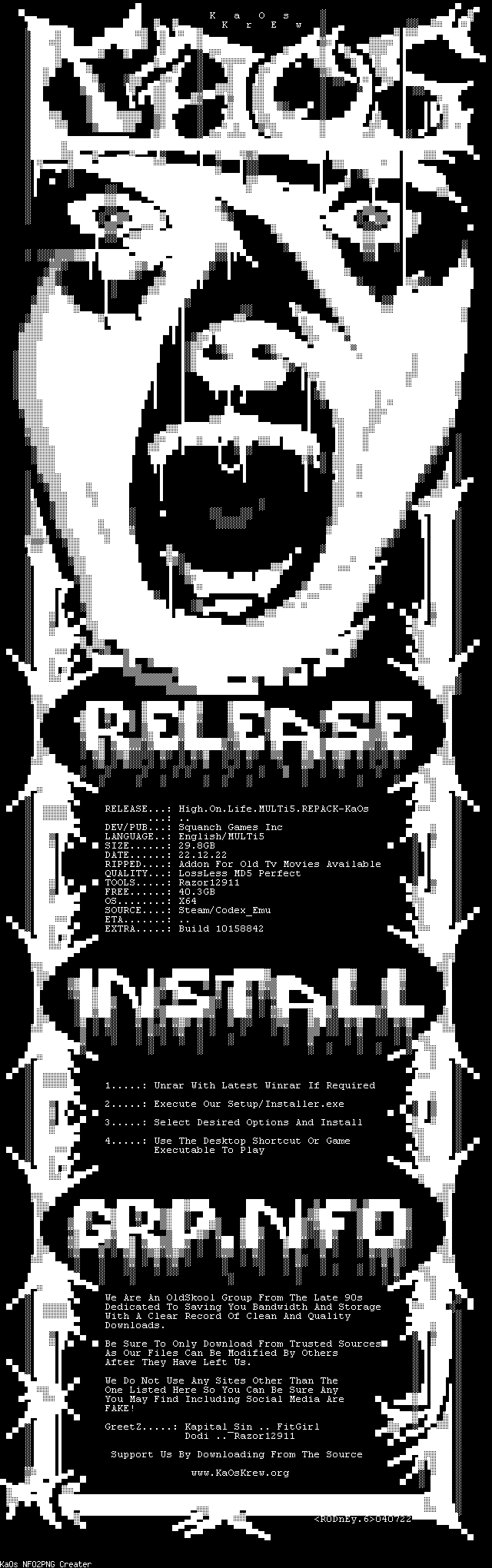
High.On.Life.Build.10158842.MULTi5.REPACK-KaOs
Posted: 22 Dec 2022, 17:40
by KiNG
Re: High.On.Life.Build.10158842.MULTi5.REPACK-KaOs
Posted: 23 Dec 2022, 20:59
by ttaster
Great release!
Where does this release look for game saves?
Re: High.On.Life.Build.10158842.MULTi5.REPACK-KaOs
Posted: 23 Dec 2022, 22:38
by stoled
should be
AppData\Local\Oregon\Saved\SaveGames
Re: High.On.Life.Build.10158842.MULTi5.REPACK-KaOs
Posted: 24 Dec 2022, 03:06
by KiNG
added links for movie addon as i forgot.
Re: High.On.Life.Build.10158842.MULTi5.REPACK-KaOs
Posted: 24 Dec 2022, 04:18
by ttaster
stoled wrote: 23 Dec 2022, 22:38
should be
AppData\Local\Oregon\Saved\SaveGames
Thanks. It appears the game save format has changed from the release I've been playing.
Re: High.On.Life.Build.10158842.MULTi5.REPACK-KaOs
Posted: 24 Dec 2022, 05:34
by stoled
ttaster wrote: 24 Dec 2022, 04:18
Thanks. It appears the game save format has changed from the release I've been playing.
From another user elsewhere
"Razor's save files should be in AppData\Roaming\.1911 separated in different folders. The Steam version's save files are in AppData\Local\Oregon\Saved\SaveGames. All you have to do is change the name of the files in Razor's install (from what I remember all the files were called "Data") to match the names from the Steam version and place them. Make sure to backup both versions before doing anything, just in case.
Sorry I can't be more specific but I already deleted Razor's save files after I did this process myself. I hope this is enough guidance and you'll figure it out."
Re: High.On.Life.Build.10158842.MULTi5.REPACK-KaOs
Posted: 24 Dec 2022, 15:42
by ttaster
stoled wrote: 24 Dec 2022, 05:34
ttaster wrote: 24 Dec 2022, 04:18
Thanks. It appears the game save format has changed from the release I've been playing.
From another user elsewhere
"Razor's save files should be in AppData\Roaming\.1911 separated in different folders. The Steam version's save files are in AppData\Local\Oregon\Saved\SaveGames. All you have to do is change the name of the files in Razor's install (from what I remember all the files were called "Data") to match the names from the Steam version and place them. Make sure to backup both versions before doing anything, just in case.
Sorry I can't be more specific but I already deleted Razor's save files after I did this process myself. I hope this is enough guidance and you'll figure it out."
Worked great. Thanks for your help
Re: High.On.Life.Build.10158842.MULTi5.REPACK-KaOs
Posted: 24 Dec 2022, 16:45
by stoled
Glad it worked.
Re: High.On.Life.Build.10158842.MULTi5.REPACK-KaOs
Posted: 17 Jan 2023, 02:13
by KiNG
added: High.On.Life.b10303085_2.UPDATE-KaOs